

You record. AI creates the rest.

Turn a simple walkthrough into a marketing demo, onboarding tutorial or sales video. With a guide to go with it.

Claim 1,000 free credits

Valid for 14 days after claiming · One gift per account
A rough 2:48 screen recording of a content calendar in Sprout Social, which AI Creator turns into a 0:42 marketing video, a 2:55 onboarding video and a 1:12 sales video, each from its expert skill

Less time editing.
More work worth sharing.

Start with your recording. Let AI create the first draft, then make the details yours.

  • Start with what you have

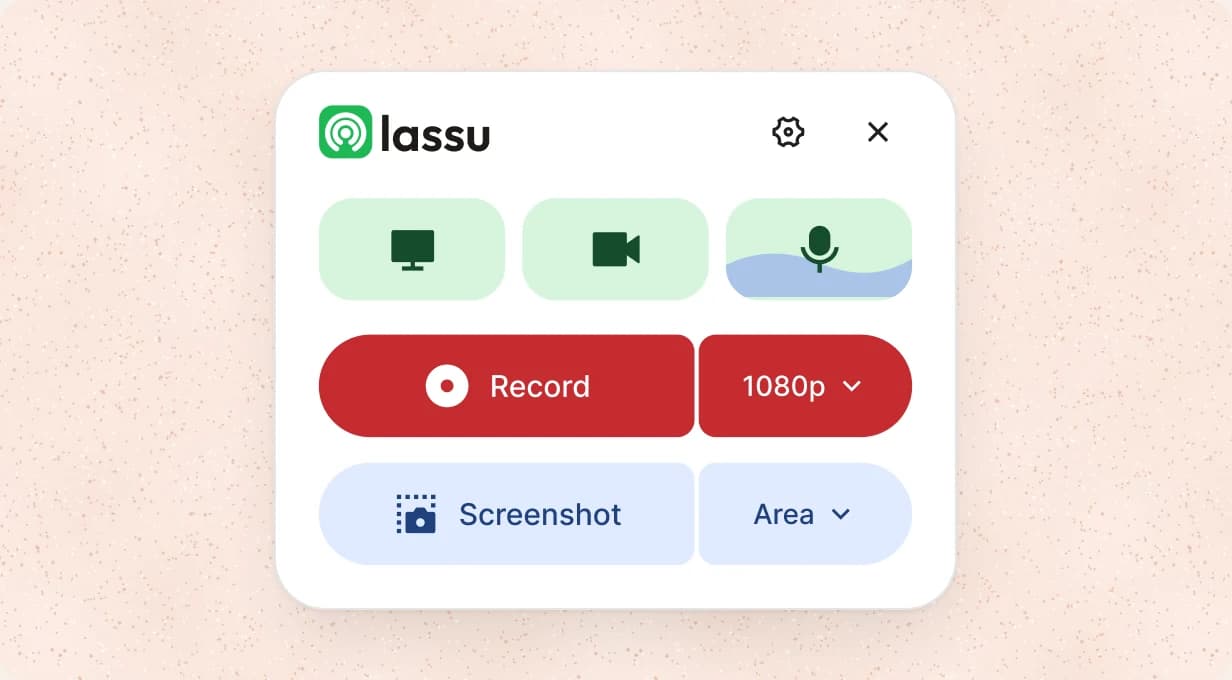
    Record your screen in Lassu, or upload an existing video. No polished script required.

  • Give it the right kind of edit

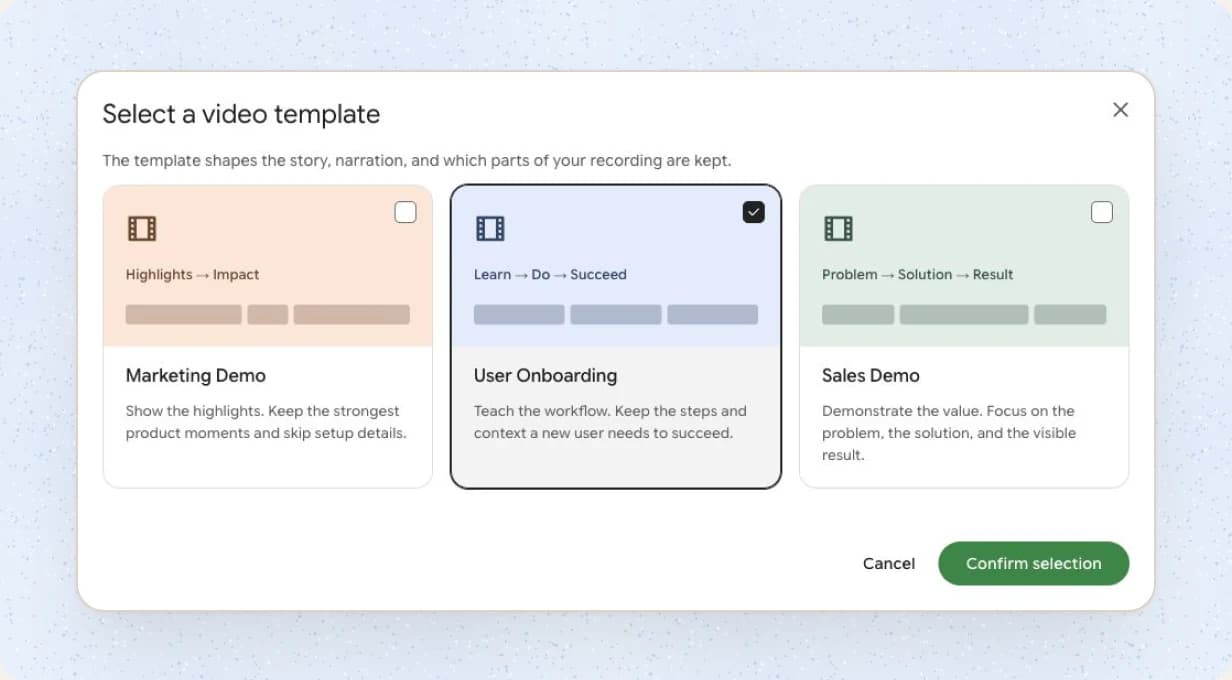
    Choose Marketing Demo, User Onboarding or Sales Demo for the audience you have in mind.

  • Find the words. And the voice.

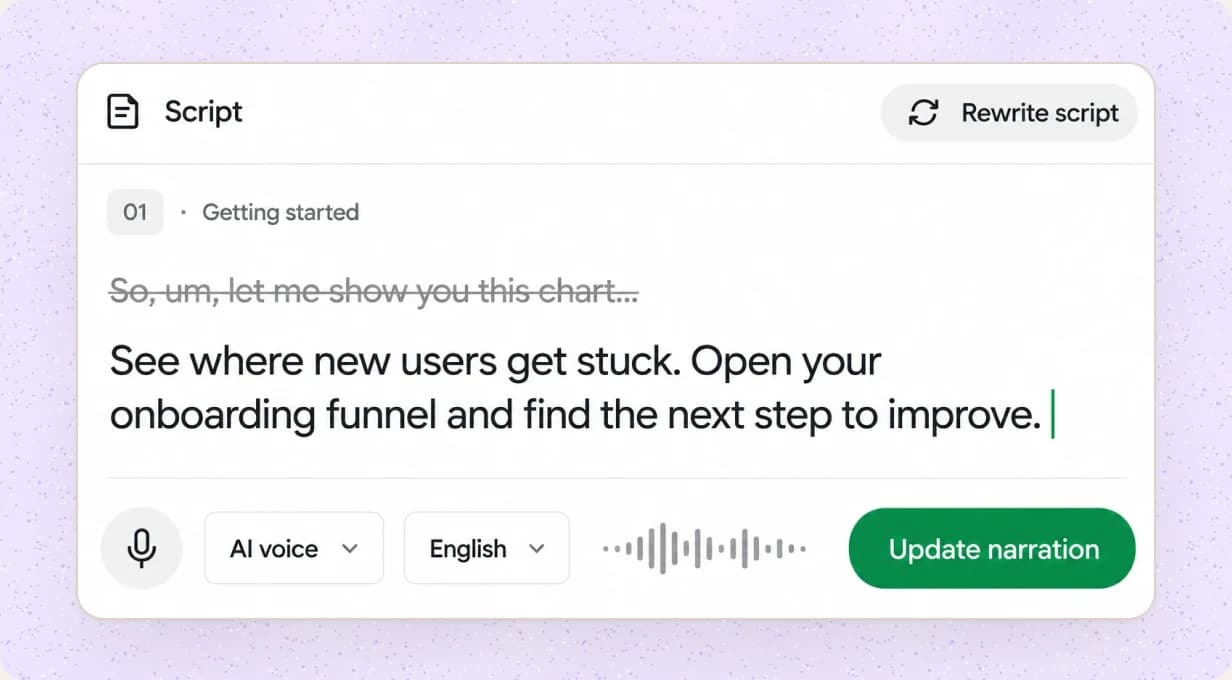
    Refine the script, choose an AI voice and update the narration from the editor.

  • Make every detail count

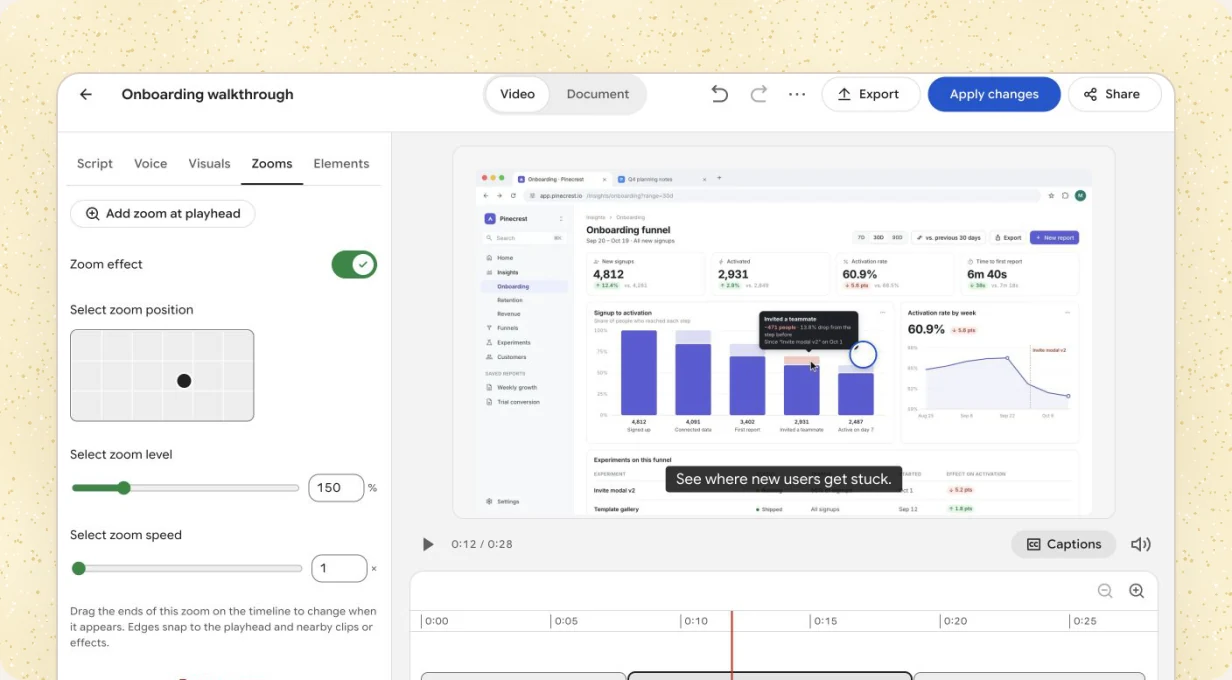
    Adjust zooms, captions and framing. Hide sensitive details before you share.

Your video is ready. So is your guide.

Onboarding walkthrough

Step-by-Step Guide · Example document

Understand your onboarding funnel

A practical walkthrough for your next team review.

  1. Open your onboarding dashboard

    Go to Insights → Onboarding. Set the date range for your review.
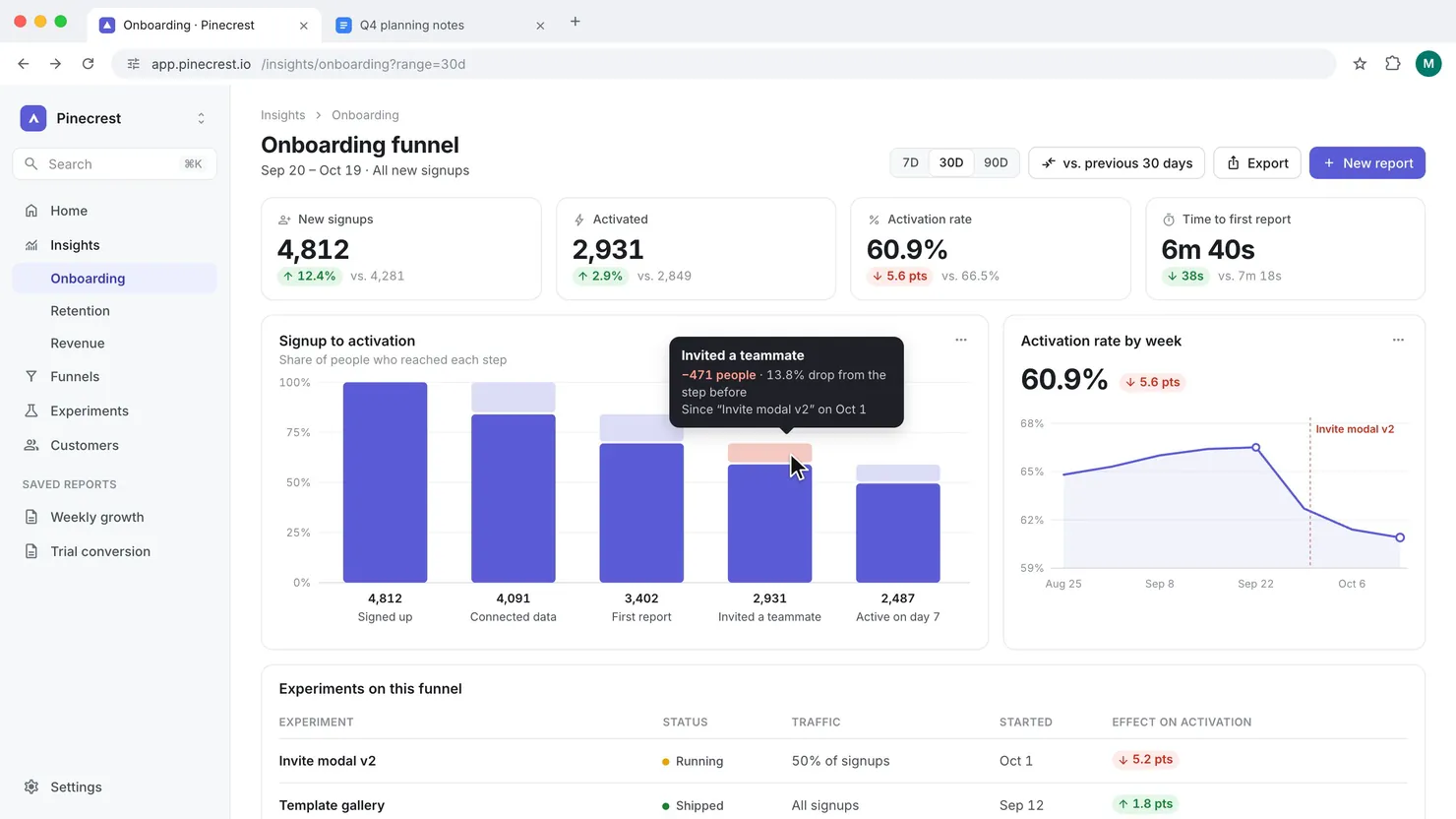
    Example onboarding dashboard showing signups, activation and the invitation step
  2. Review activation

    Read signups and activated users together. This example shows 2,931 activations from 4,812 signups.

  3. Find a drop-off to investigate

    Follow the funnel from left to right. Start with the invitation step and agree on what to review next.


Your next recording
has more in it.